Enterprise data rarely stops growing. File servers accumulate years of inactive content, collaboration platforms expand, regulatory retention requirements become more demanding, and high-performance storage becomes increasingly expensive to use for information that may be accessed only occasionally.
Enterprise cloud archiving solutions address this problem by moving data that must be retained away from expensive primary storage while keeping it protected, governed and accessible when it is needed.
But not every cloud archiving platform is designed for the same purpose.
Some focus heavily on communications and regulatory compliance. Others are designed around backup and data protection. Some specialize in unstructured data such as files and documents, while others provide broader information governance across multiple communication channels.
In this guide, we compare seven enterprise cloud archiving solutions and the areas in which each is strongest.
7 Enterprise Archiving Platforms at a Glance
| Solution | Best For | Primary Focus |
|---|
| ShareArchiver | Enterprise file and unstructured data archiving | Storage optimization, file archiving, retention and discovery |
| Veritas | Large regulated organizations | Information governance, retention, supervision and eDiscovery |
| ComplyKEY SISCIN | Azure-centric file analysis and archiving | File analysis, retention and cloud archiving |
| Storagepipe | Managed infrastructure and long-term data retention | Backup, archiving and disaster recovery |
| Jatheon | Communications compliance | Email, messaging, social media and eDiscovery |
| OpenText Retain | Multi-platform communications archiving | Email and communication retention |
| Cohesity | Organizations combining archive, backup and data protection | Data protection, storage management and cyber resilience |
The right platform depends heavily on what you need to archive.
An organization trying to reduce the amount of inactive data sitting on expensive production file storage has very different requirements from a financial institution that primarily needs to retain employee communications for regulatory purposes.
Before comparing products, it helps to understand those differences.
What Is Enterprise Cloud Archiving?
Enterprise cloud archiving is the process of moving data that must be retained but no longer needs to remain on high-performance primary data storage into a more appropriate long-term archive. Instead of using expensive production storage resources for rarely accessed information, organizations can preserve historical data in lower-cost storage while maintaining long-term access when that information is needed.
Unlike simply deleting old data, archiving preserves information so that it can still be searched, retrieved, governed and retained according to organizational or regulatory requirements.
Depending on the platform, cloud archiving software may handle data such as:
- Files and folders
- Documents
- Email
- Microsoft 365 content
- Collaboration data
- Instant messages
- Social media records
- Multimedia
- Backup data
- Other structured or unstructured business information
Depending on the organization, an archive may contain both structured data and large volumes of unstructured files. Effective data archiving solutions should preserve data accessibility while applying the organization’s security, retention and compliance requirements.
Archiving can help organizations reduce the amount of inactive data held on expensive storage while improving visibility into information that might otherwise remain scattered across multiple systems.
For enterprises managing large amounts of file and unstructured data, ShareArchiver’s Cloud Archive Solution provides a dedicated approach to moving inactive information from primary storage into lower-cost archive storage while maintaining access, retention and search capabilities.
How We Evaluated the Platforms
There is no single feature that determines whether a cloud archiving platform is suitable for an organization.
The most important considerations typically include the following.
Data Source Support
Start with the systems that contain the information you need to retain.
An organization archiving Windows file servers will have different requirements from one archiving SharePoint content, email or social media records.
Search and Retrieval
Archived information is only useful if it can be located again.
Enterprise platforms should therefore be evaluated on how users, IT administrators, compliance teams and legal teams search and retrieve archived information.
Retention and Policy Management
Organizations may need to retain different categories of information for different periods based on business needs, contractual obligations and regulatory requirements.
Effective data retention policies allow these rules to be automated rather than relying on users to decide manually what should be preserved or deleted. Policy-based retention can determine when information enters the archive, how long it remains there and what happens once its retention period expires.
Platforms used in regulated environments should also support exceptions such as legal hold, where relevant information must remain preserved even when its normal retention period has ended.
eDiscovery and Legal Requirements
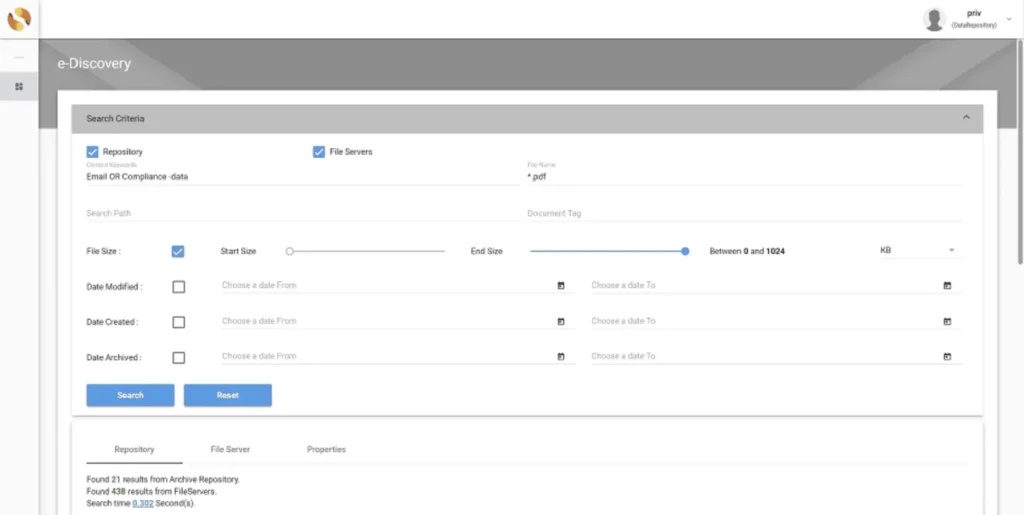
For organizations subject to litigation, investigations or regulatory enquiries, archived information may need to be searched, preserved and exported quickly.
Useful capabilities can include advanced search, legal hold, defensible export and audit trails showing how information was accessed or handled. These controls can help organizations demonstrate that records remained complete, governed and accessible throughout an investigation or audit.
Storage Optimization
One of the major reasons organizations implement data archiving is to prevent inactive information from consuming expensive primary storage indefinitely.
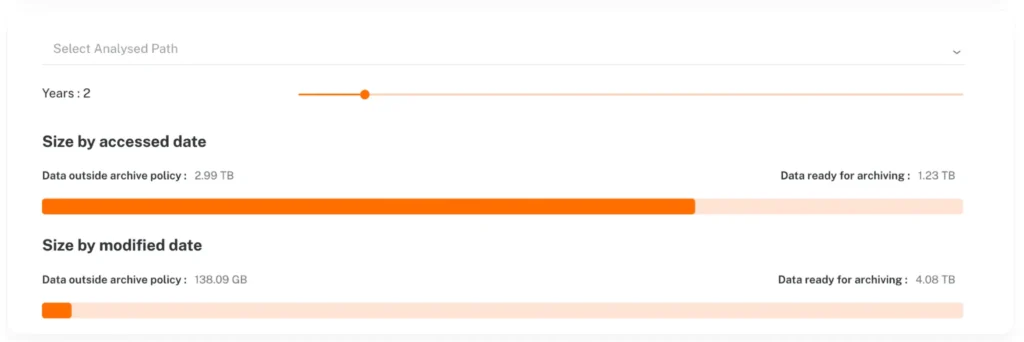
Moving cold or rarely accessed information away from production systems can free valuable storage space and help organizations control costs as data growth continues. The objective is not simply storing data more cheaply, but placing information on the appropriate storage system for its frequency of access and business value.
Platforms designed around storage optimization should make it possible to identify inactive data and move it to more economical storage without unnecessarily disrupting users.
Security and Access Control
Archived information can contain sensitive business or personal data.
Encryption, authentication, role-based access, permissions, auditability and secure storage should therefore be considered alongside cost and functionality. Organizations storing sensitive information should also consider data privacy, access logging and whether the archive can demonstrate who accessed or changed information over time.
Deployment Model
Cloud-only is not suitable for every organization.
Depending on security, data residency, infrastructure and regulatory requirements, organizations may prefer:
- Public cloud
- Private cloud
- On-premises storage
- Hybrid deployment
- A combination of multiple archive destinations
With those criteria in mind, here are seven enterprise cloud archiving solutions worth evaluating.
1. ShareArchiver
Best for: Enterprise file and unstructured data archiving
ShareArchiver is designed around a problem many large organizations eventually face: enormous quantities of files accumulate on primary storage even though much of that information is rarely accessed.
Rather than treating archived data simply as something to be placed into cold storage and forgotten, ShareArchiver combines archiving with search, retention, analysis and storage management.
This makes it particularly relevant to organizations managing large file environments where data growth is increasing storage costs and making historical information harder to govern.
Key ShareArchiver Capabilities
ShareArchiver supports functionality including:
One of its key use cases is moving inactive files away from expensive primary storage while allowing organizations to continue managing and locating that information.
This can help reduce pressure on production storage without forcing businesses to simply delete historical data.
Where ShareArchiver Fits Best
ShareArchiver is particularly relevant when an organization’s primary challenge involves:
- Large file servers
- Rapidly growing unstructured data
- Expensive primary storage
- Long-term file retention
- Searching across historical files
- Storage consolidation
- File lifecycle management
- Cloud or hybrid archive strategies
It is therefore different from platforms primarily designed around email compliance or communications capture.
Organizations evaluating ShareArchiver specifically for this purpose can explore the ShareArchiver Cloud Archive Solution for more detail on its approach to enterprise data archiving and storage optimization.
Considerations
Organizations should first establish what data sources they want to archive and where archived content should ultimately reside.
Businesses whose main requirement is comprehensive communications surveillance across email, messaging, voice and social channels may prefer a platform built specifically around communication archiving.
Best suited to: Enterprises that need to archive large file environments, reduce primary-storage consumption and retain searchable access to historical information.
2. Veritas
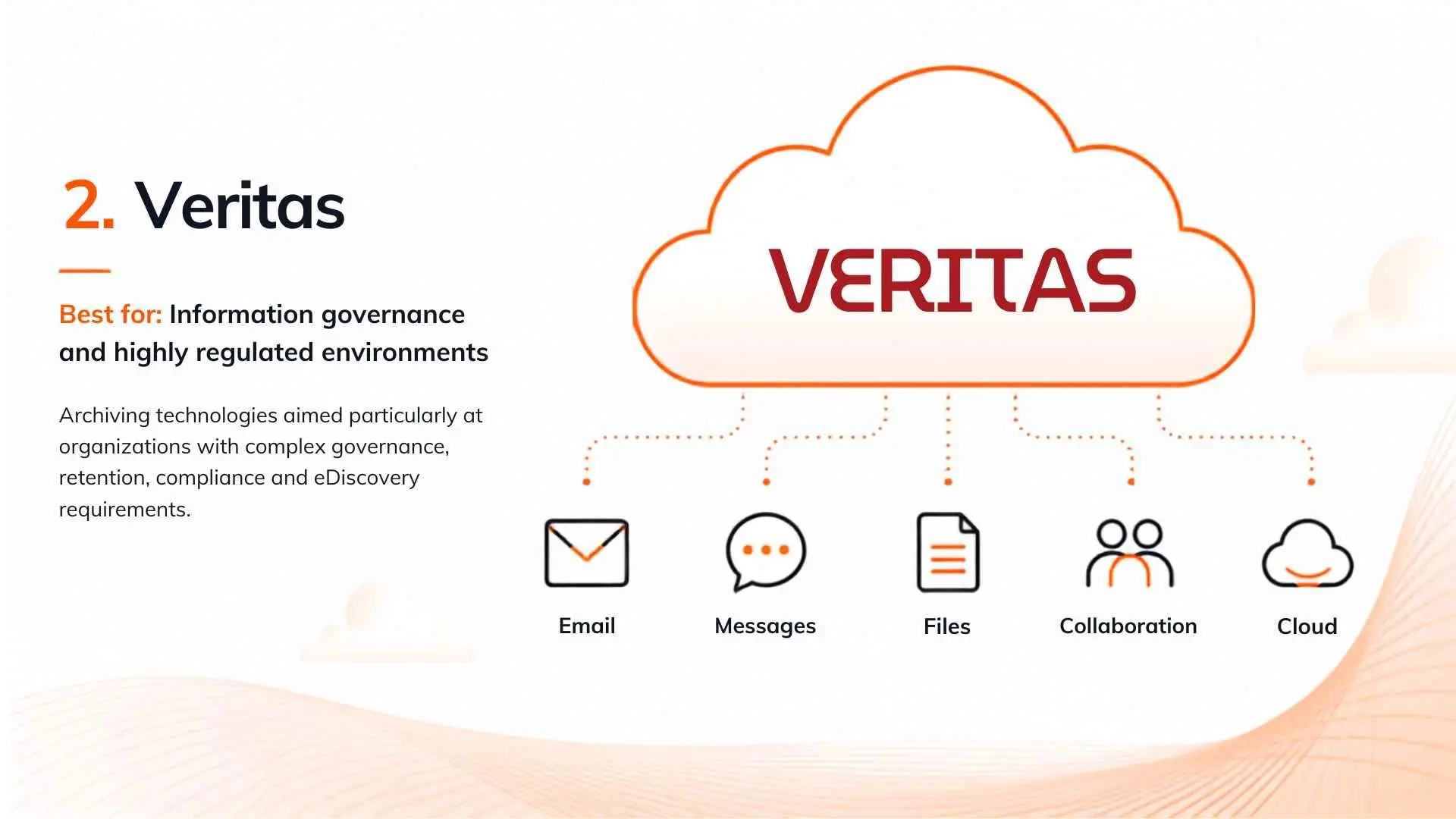 Best for: Information governance and highly regulated environments
Veritas has a long history in enterprise information management and offers archiving technologies aimed particularly at organizations with complex governance, retention, compliance and eDiscovery requirements.
Its current Arctera Enterprise Vault portfolio includes capabilities for capturing, retaining, supervising, discovering and governing business information, while its Alta offering provides cloud-based archiving functionality.
Key Capabilities
Depending on the Veritas product and deployment model being evaluated, capabilities can include:
- Information retention
- Classification
- eDiscovery
- Supervision
- Information governance
- Search and discovery
- Regulatory compliance
- Communications archiving
Arctera Enterprise Vault is therefore particularly relevant when archiving forms part of a much broader information governance strategy.
Where Veritas Fits Best
Large organizations operating in regulated industries often need more than inexpensive long-term storage.
Legal, compliance and information governance teams may require sophisticated control over how information is captured, retained, investigated and eventually disposed of.
This is where a mature governance-oriented platform can be particularly valuable.
Considerations
The breadth of the Arctera Enterprise Vault ecosystem can also mean more complexity than an organization needs if its primary objective is simply to archive inactive file data or reduce production storage consumption.
The specific Arctera Enterprise Vault product being evaluated should therefore be matched carefully to the organization’s actual data sources and governance requirements.
Best suited to: Large enterprises with advanced information governance, compliance, supervision and eDiscovery requirements.
3. ComplyKEY SISCIN
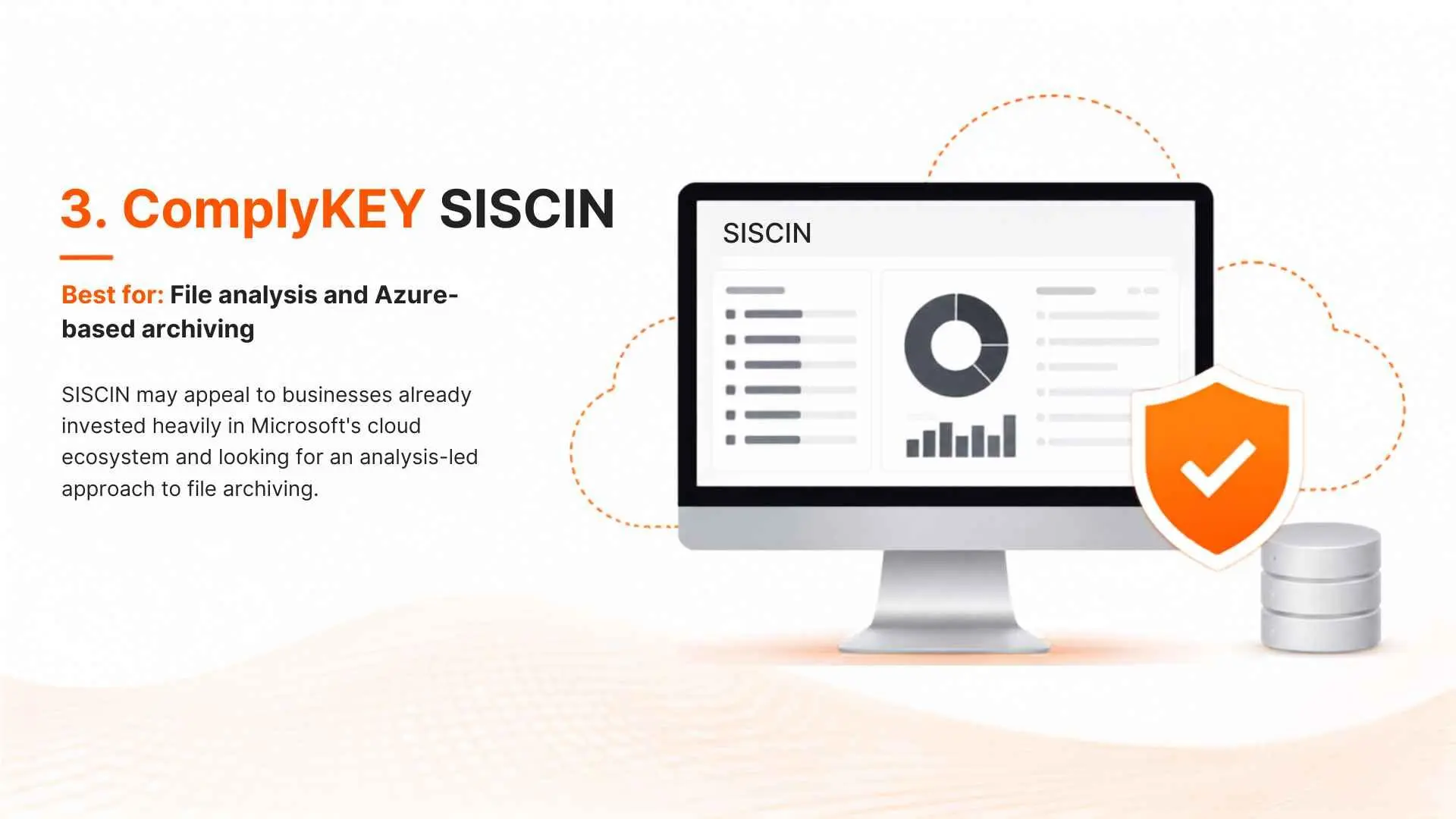 Best for: File analysis and Azure-based archiving
SISCIN combines data analysis with archiving and has historically focused on helping organizations understand file environments before applying storage and retention policies.
This approach can be useful because enterprises often have limited visibility into the information accumulated across file systems.
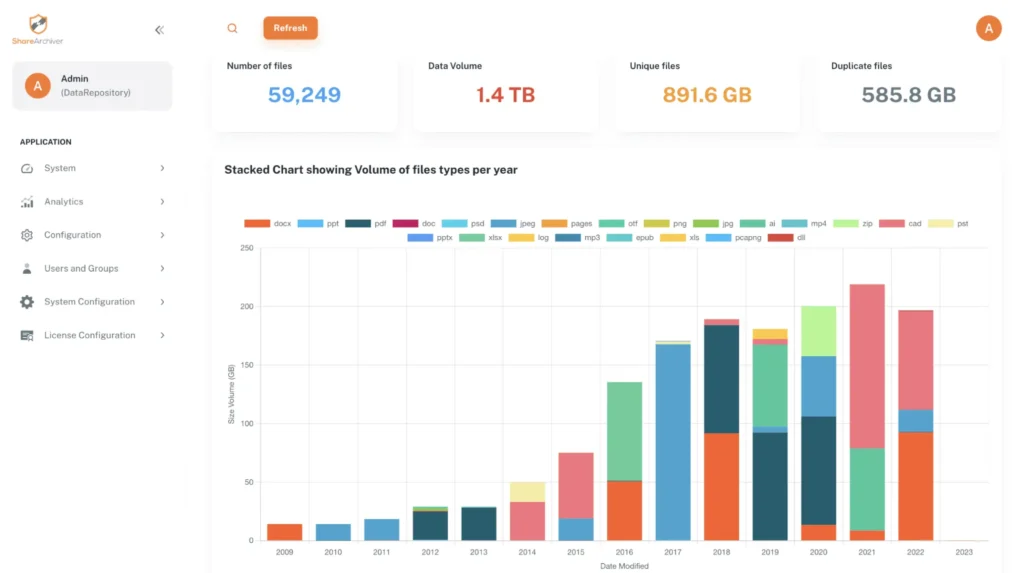
Before deciding what should be archived, retained or removed, it can be valuable to understand:
- File age
- File ownership
- Data volume
- Duplicate information
- Data growth
- Storage consumption
- Retention requirements
Key Capabilities
SISCIN’s positioning includes functionality around:
- File analysis
- Data archiving
- Retention policies
- Storage management
- File management
- Data discovery
- Microsoft Azure-based storage
The combination of analysis and archiving can be particularly useful when organizations first need to understand a large existing data estate.
Where SISCIN Fits Best
SISCIN may appeal to businesses already invested heavily in Microsoft’s cloud ecosystem and looking for an analysis-led approach to file archiving.
Considerations
Organizations with broader multi-cloud requirements or extensive communication-archiving needs should compare its supported sources and archive destinations carefully against alternatives.
Best suited to: Organizations looking for file analysis and cloud archiving within an Azure-oriented environment.
4. Storagepipe
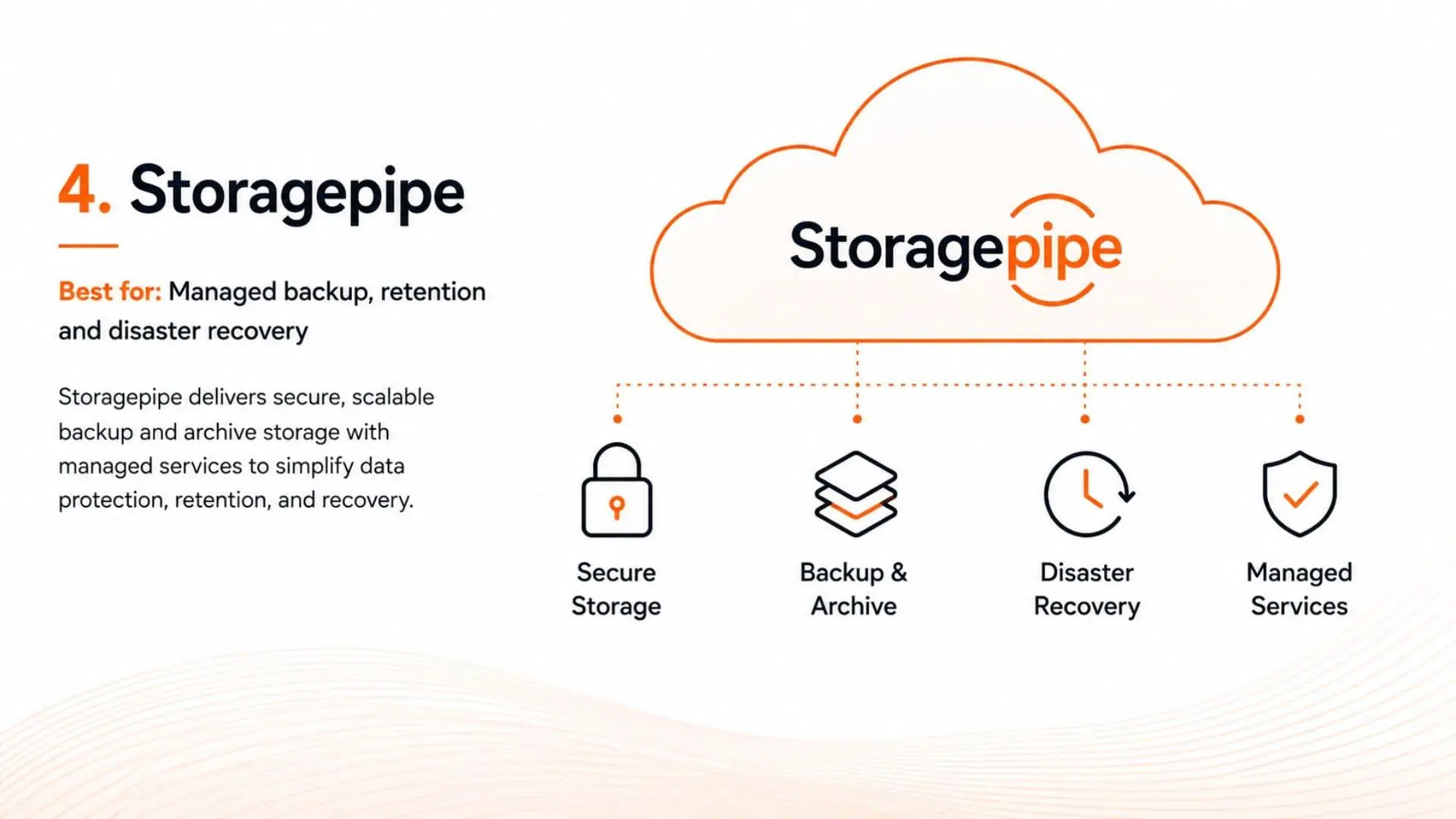 Best for: Managed backup, retention and disaster recovery
Storagepipe approaches long-term data management from a broader infrastructure and data-protection perspective.
Rather than functioning exclusively as a cloud archiving software provider, its services span areas such as managed backup, disaster recovery and long-term data retention.
This can make it attractive to organizations that would rather consolidate several infrastructure protection functions under one managed provider.
Key Capabilities
Depending on the service configuration, Storagepipe’s broader data-protection offering can encompass:
- Data backup
- Long-term retention
- Cloud storage
- Disaster recovery
- Infrastructure protection
- Archive storage
- Managed services
Where Storagepipe Fits Best
Organizations often evaluate archiving alongside backup and disaster recovery because the same data estate affects all three.
A managed provider can be attractive where internal IT teams do not want to operate each system independently.
Considerations
Archiving and backup should not be treated as interchangeable.
If the primary business requirement is sophisticated file lifecycle management, transparent retrieval, deep data analysis or compliance discovery, organizations should compare those specific capabilities rather than evaluating a platform only on long-term storage.
Best suited to: Businesses looking for managed data protection where archiving is part of a wider backup and disaster-recovery strategy.
5. Jatheon
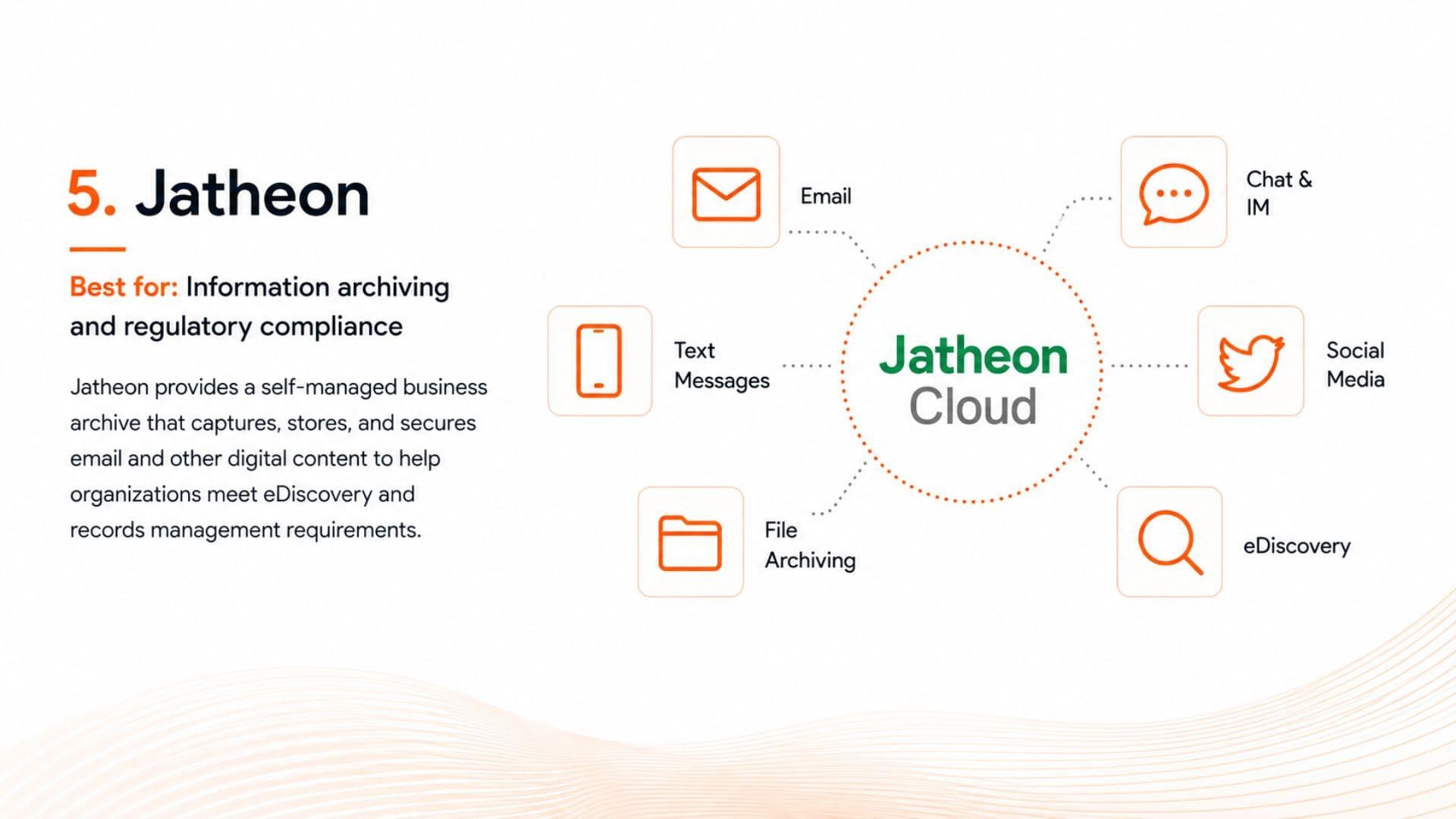 Best for: Communication archiving and regulatory compliance
Jatheon focuses strongly on preserving electronic communications for compliance, eDiscovery and records-management use cases.
Its platform covers multiple communication channels, making it fundamentally different from tools primarily focused on file-server storage optimization.
Current Jatheon solutions cover areas such as email, social media, text messaging and chat archiving.
Key Capabilities
Depending on the data source, Jatheon’s platform provides functionality around:
- Email archiving
- Chat archiving
- Social media archiving
- Text-message archiving
- Search
- eDiscovery
- Retention
- Compliance
- Legal and public-records requests
Its multi-channel focus can be particularly useful for organizations whose business records increasingly exist outside traditional email.
Where Jatheon Fits Best
Jatheon is particularly relevant to regulated industries and public-sector organizations that need to retain communications in searchable formats.
This might include:
- Government
- Education
- Financial services
- Healthcare
- Other regulated organizations
Considerations
Jatheon’s communications-first focus means organizations primarily trying to reduce file-server storage or archive huge unstructured file environments should compare dedicated file-archiving platforms as well.
Best suited to: Organizations whose main archiving requirement involves email, messaging and other business communications.
6. OpenText Retain
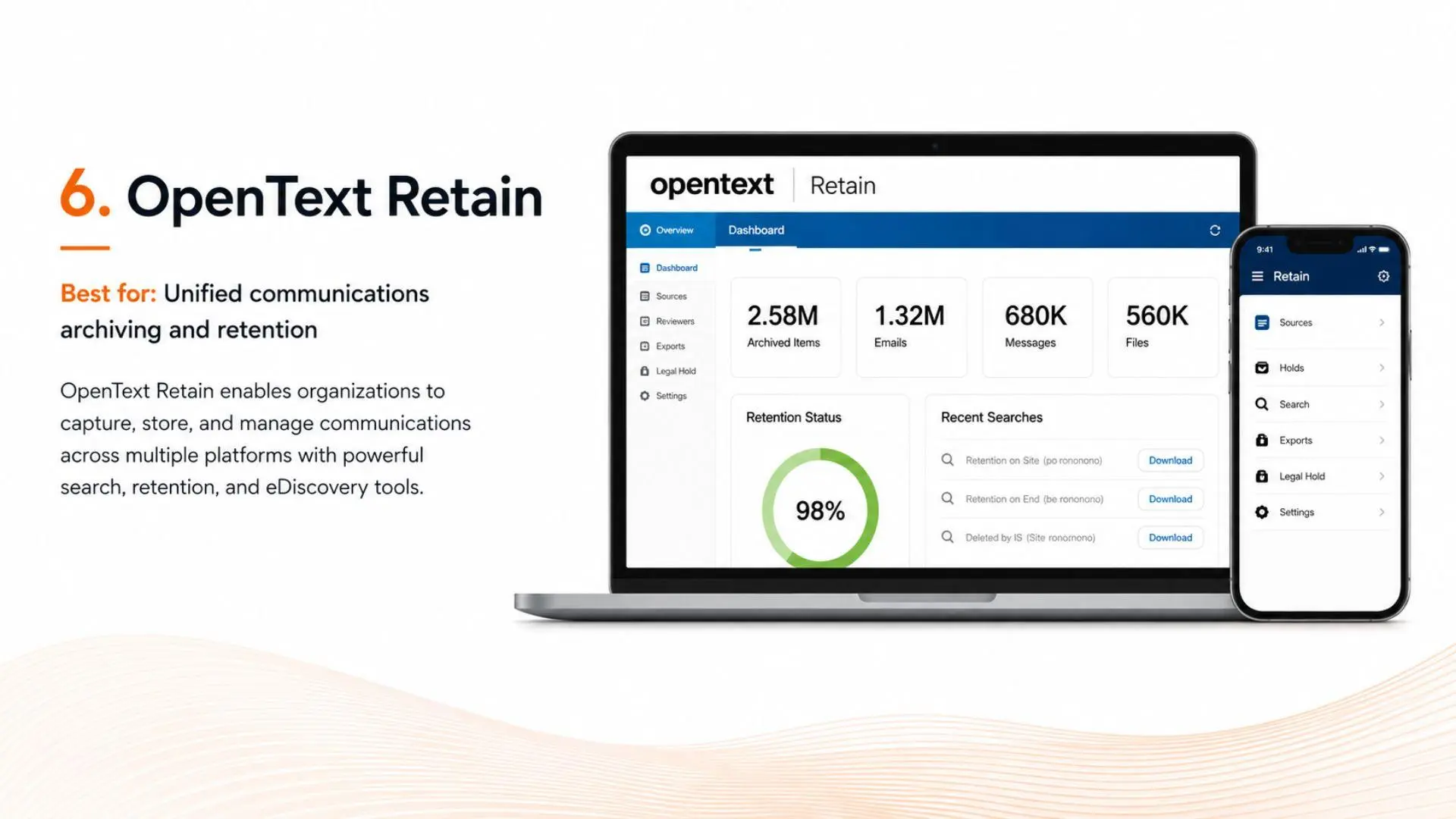 Best for: Unified communication retention
Retain Unified Archiving is designed around retaining business communications from multiple messaging and collaboration platforms within a centralized archive.
Its emphasis is therefore closer to communication governance than enterprise file-storage optimization.
Key Capabilities
The platform has traditionally focused on:
- Email archiving
- Communication retention
- Search and retrieval
- eDiscovery
- Policy management
- Access controls
- Multi-platform communication capture
Where Retain Fits Best
For organizations operating multiple communication platforms, bringing retained messages into a common archive can simplify discovery and compliance.
This can be particularly useful during:
- Legal discovery
- Internal investigations
- Compliance reviews
- Records requests
- Platform migrations
Considerations
Enterprises should distinguish between communication archiving and broader unstructured-data archiving.
If the primary challenge is terabytes or petabytes of inactive documents and files consuming expensive production storage, a communication-focused archive may not address the underlying storage problem.
Best suited to: Organizations that need centralized retention and discovery across business communication platforms.
7. Cohesity
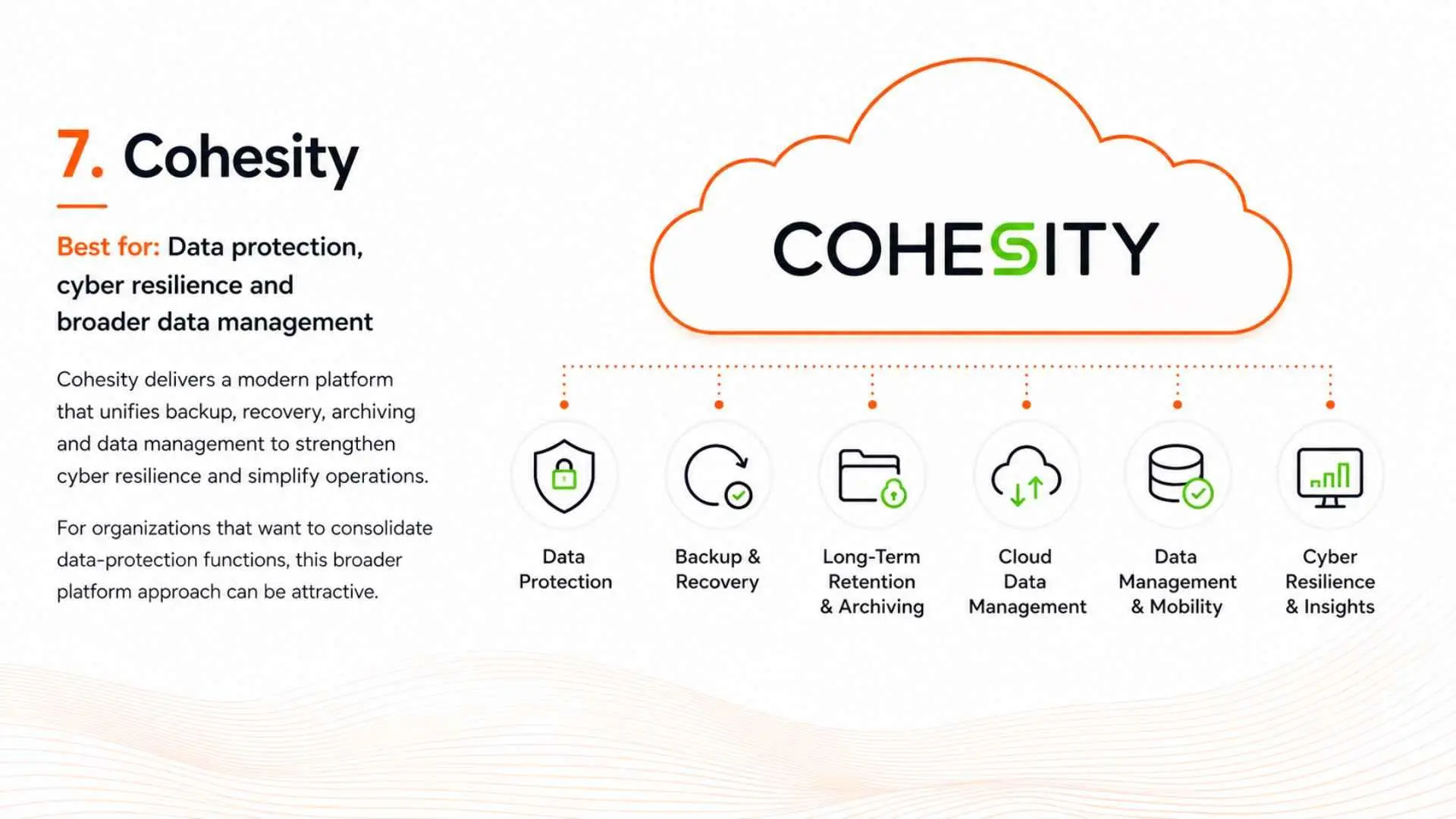 Best for: Data protection, cyber resilience and broader data management
Cohesity operates across a broader data-management and protection landscape than many specialist archiving platforms.
Its technologies address areas such as backup, recovery, security and data management across enterprise infrastructure.
For organizations that want to consolidate data-protection functions, this broader platform approach can be attractive.
Key Capabilities
Cohesity’s wider platform includes areas related to:
- Backup and recovery
- Data security
- Cyber resilience
- Cloud data management
- Data mobility
- Storage optimization
- Enterprise data protection
Where Cohesity Fits Best
Cohesity is particularly relevant when archive requirements sit alongside wider backup, ransomware resilience and enterprise data-protection initiatives.
Large organizations may prefer consolidating these workloads rather than operating separate infrastructure for each requirement.
Considerations
A broad data-protection platform is not necessarily the best fit for every dedicated archiving use case.
Organizations primarily concerned with file archiving, retention-policy automation or communication compliance should compare those specific capabilities carefully.
Best suited to: Enterprises seeking a broad data-management and protection platform rather than a narrowly focused archiving product.