
ShareArchiver helps enterprise IT teams move inactive files out of expensive primary storage and into a secure, governed cloud archive. Archived data remains searchable, accessible and protected by the same permissions users already rely on. Automated policies control what is archived, how long it is retained and who can access it—without changing the way users work.

Understand file age, usage and storage consumption
Move eligible data to the appropriate storage tier
Apply consistent retention and compliance policies
Search, access and restore archived files when needed
Enterprise file systems grow continuously, but much of the data stored within them is no longer actively used.
Keeping every file on high-performance storage increases infrastructure costs, backup volumes and administrative overhead. It can also make it more difficult for IT teams to understand which information still provides business value.
A cloud archive gives organizations a scalable solution for retaining historical data, meeting business and regulatory requirements and reducing pressure on active storage.
ShareArchiver adds the policy, search, security and user-access capabilities needed to manage archived information as a controlled enterprise resource—not simply another place for storing data.
Discover how ShareArchiver analyses your data, automates cloud archiving and keeps archived files accessible to authorised users.
A cloud archive is a secure storage environment designed for long-term data retention and infrequently accessed data.
Unlike active cloud storage, which is generally optimized for frequent access, editing and collaboration, archive storage is designed to preserve data efficiently over longer periods.
Cloud providers manage the underlying infrastructure and physical storage, while the archiving software controls how data is classified, moved, retained, searched and retrieved.
ShareArchiver connects enterprise file systems and SharePoint environments with cloud archive storage. Eligible files are moved according to defined retention policies while remaining visible and accessible to authorized users.This creates a practical balance between lower-cost data storage and day-to-day accessibility.
ShareArchiver goes beyond simple file movement, giving enterprise IT teams the tools to reduce storage costs, enforce retention policies, maintain security and keep archived data easy to access.
Move inactive files from expensive production storage into a lower-cost cloud archive. ShareArchiver helps reduce storage growth, shrink backup volumes and delay future infrastructure expansion. Depending on the environment, data volume and chosen storage tier, archive storage costs can be reduced by up to 90% compared to hot storage.
Archived files can remain visible in their original folders through lightweight placeholders. Users continue working in familiar file structures, and when an archived file is opened, ShareArchiver retrieves it securely from the archive without requiring users to understand the underlying storage platform.
Full-text search and preserved metadata help authorised users find archived information quickly across large data sets. IT, legal and compliance teams can search for specific files, historical records and relevant content without restoring entire folders or repositories.
Create rules for which data should be archived, when files should move to archive storage and how long information must be retained. Policies can be based on file age, type, location and other criteria, helping organisations manage archive growth and support compliance requirements with less manual effort.
ShareArchiver synchronises file-level permissions so users can only access content they are authorised to view or retrieve. Security capabilities include AES-256 encryption at rest, SSL-protected communication, two-factor authentication, file-level access controls and security-trimmed search results.
Archived data remains complete, searchable and accessible throughout its required retention period. ShareArchiver helps organisations apply consistent retention management, preserve metadata and retrieve archived information for audits, investigations, eDiscovery and regulatory requests.
Moving inactive data into a governed archive reduces the amount of information that must be included in routine production backups. This can help reduce backup windows, lower storage requirements and simplify restoration workloads, while also providing another controlled copy of retained information.
Before archiving begins, ShareArchiver can analyse your environment to reveal total data volume, file age, file types, ownership, usage and potential archive candidates. This helps IT teams make informed policy decisions and build the business case with clearer storage-saving estimates.
Discover how ShareArchiver reduces primary storage costs, automates archiving and keeps archived data secure, searchable and accessible.
Low-cost archive storage is only useful when IT teams can still understand, govern and retrieve the data stored within it. ShareArchiver provides visibility into file types, age, ownership, usage and storage consumption before and after archiving.
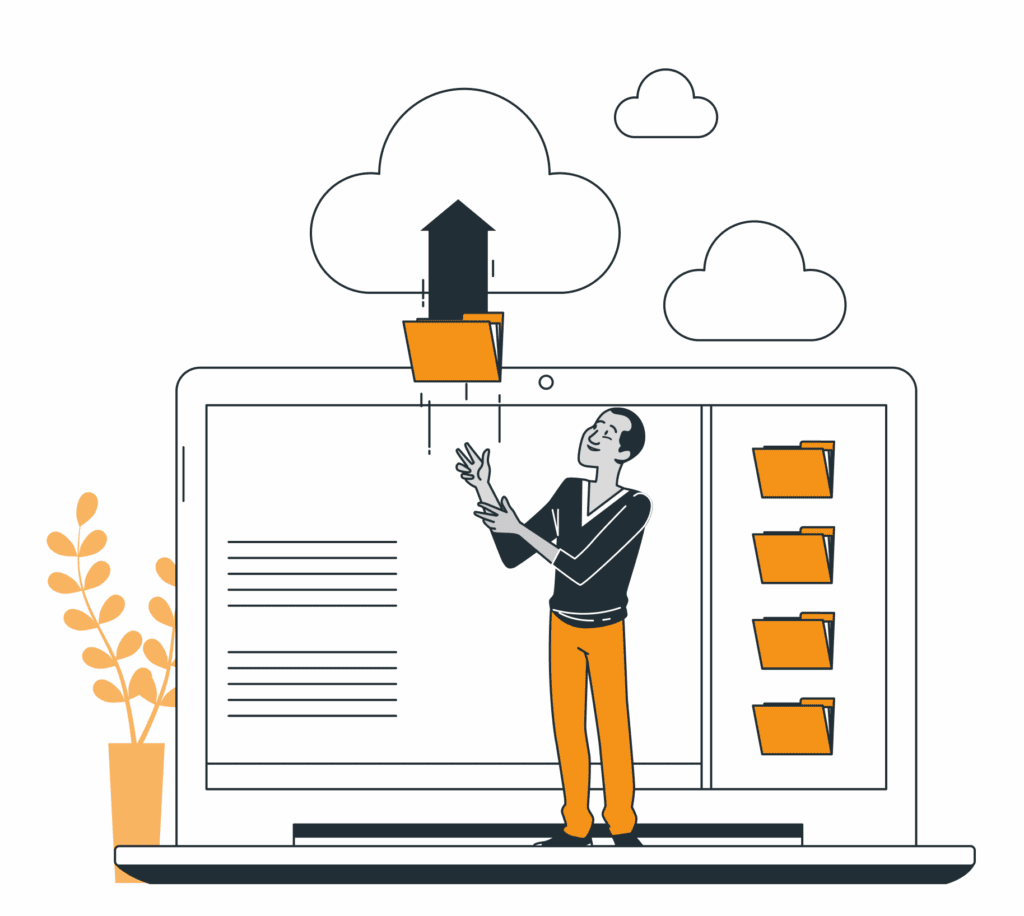
From analysing your existing data to securely archiving and retrieving files, ShareArchiver gives enterprise IT teams control over the complete cloud archiving process.
Deploy ShareArchiver as a cloud service or virtual appliance, then connect the file servers, SharePoint environments, NAS devices or other supported data sources you want to manage.
Scan your environment to understand data volume, file age, file types, ownership, usage and potential archive candidates. ShareArchiver also estimates how much active storage could be recovered before any files are transferred.
Define which files should move into the cloud archive, when they should be archived and how long they must be retained. Policies can reflect operational, legal, business and regulatory requirements.
Eligible files are transferred into governed archive storage while preserving their metadata, permissions and access controls. Lightweight placeholders can remain in the original locations, reducing active storage without disrupting established user workflows.
Authorised users can browse, search and retrieve archived files without needing direct access to the underlying cloud provider or storage infrastructure. Files can be restored to their original location whenever required.
Discover how ShareArchiver analyses your data, automates cloud archiving and keeps archived files accessible to authorised users.
ShareArchiver helps organisations manage growing volumes of unstructured data across file servers, SharePoint and long-term storage environments. Common cloud archive use cases include:
ShareArchiver supports organisations that need to retain, govern and retrieve growing volumes of enterprise data while meeting demanding security, compliance and accessibility requirements, including:
Different data sets may require different storage classes, retention periods and retrieval expectations.
ShareArchiver can support public cloud, private cloud and on-premises archive strategies, allowing enterprise IT teams to align storage with security, accessibility, compliance and cost requirements.
Archive data directly to supported public cloud storage platforms, including Amazon S3 and Microsoft Azure Blob Storage. ShareArchiver can automatically move files between storage tiers based on access frequency, retention requirements and your organisation’s archiving policies.
Use private cloud or S3-compatible object storage when greater control, data sovereignty or infrastructure flexibility is required. ShareArchiver provides a centralised way to manage archived data while keeping sensitive information within an approved storage environment.
Archive data to on-premises SAN, NAS or object storage, or combine local infrastructure with public cloud storage. ShareArchiver can apply policies based on file age, last-accessed date, file type, folder path, project status or file size.
Need a hybrid configuration? Archive suitable data to lower-cost cloud storage while keeping sensitive or frequently accessed records on-premises. ShareArchiver manages both environments from a central console.
Different data sets may require different storage classes, retention periods and retrieval expectations. ShareArchiver can support public cloud, private cloud and on-premises archive strategies, allowing enterprise IT teams to align storage with security, accessibility, compliance and cost requirements.
"Very good experience. Simple to use, no changes from end users side and it can be implemented on-prem."
"ShareArchiver is very easy to use, provides security-trimmed access for users, schedules are easy to maintain & deploy. The search feature is very fast and powerful. 10/10"
"TreeSize Pro had errors when attempting to archive data and support could not resolve those issues. ShareArchiver did what we needed and support was outstanding!"
"The feature I use the most is archiving. Stub files are left in place as placeholders to allow easy access to archived files. Archived jobs can also be used as backups in event of disaster recovery. Archived data also reduces the size of backups. Overall, the software is easy to install and use. Customer support has been exceptional. They have always offered to assist with any issues."
"It gives us the ability to see into our data, and see what we can do to save space. It shows how much space we can save and what we can do to clean up our drives. It was simple to deploy and the service has been great – 10/10."
ShareArchiver is enterprise archiving software for file servers, SharePoint and other business data environments.
It helps organizations analyze data, automate archiving policies, move inactive files to lower-cost storage and keep archived content searchable and accessible.
ShareArchiver is available as a cloud service and as a downloadable virtual appliance.
A cloud archive is a storage environment designed for long-term data retention and infrequently accessed data.
It allows organizations to move older or inactive information out of primary storage while preserving it for future access, compliance, business continuity or historical reference.
A cloud archiving solution combines archive storage with the software required to classify, move, retain, secure, search and retrieve archived data.
ShareArchiver provides the policy, governance and access layer around cloud archive storage so organizations can manage archived information as part of a controlled data lifecycle.
Regular cloud storage is typically designed for active data access, collaboration and frequent file use.
A cloud archive is designed for information that must be retained but is accessed less often. Archive storage is generally more cost-effective, although retrieval times and fees can vary by storage class and cloud provider.
Organizations commonly archive:
Archiving policies can be based on file age, type, location, ownership and other available criteria.
Yes. ShareArchiver encrypts all data with 256-bit AES before it leaves your environment, and uses SSL/TLS for secure transmission to the cloud.
Two-factor authentication (2FA) protects the management console. File-level permission synchronisation ensures users can only search and access files they are already authorised to see — archive does not open any new access paths.
Immutable storage additionally protects archives from ransomware or accidental deletion.
Yes. ShareArchiver can leave lightweight placeholders in the original file location, allowing authorized users to continue browsing familiar folders and retrieve archived files when needed.
Users can also search archived content directly through ShareArchiver.
Yes. ShareArchiver synchronizes file-level permissions so archived content remains restricted to authorized users.
Search results are security-trimmed, meaning users only see content they are permitted to access.
ShareArchiver allows organizations to create policy-based archiving rules that support their long-term retention requirements.
The applicable retention periods should be determined according to the organization’s legal, regulatory and operational obligations.
ShareArchiver moves inactive data from high-cost primary storage into more cost-effective archive storage.
This can reduce the amount of data held on production systems, delay storage upgrades and reduce the size of routine backups.
Actual savings depend on the existing infrastructure, archive policy, data volume and selected storage tier.
ShareArchiver supports AES-256 encryption at rest, SSL-protected communication and two-factor authentication.
The security of the complete solution will also depend on the configuration and controls of the selected storage environment.
Yes. ShareArchiver can support public cloud, private cloud and on-premises archive strategies, depending on the organization’s infrastructure, security and compliance requirements.
No. Cloud archiving and backup serve different purposes.
Backup protects operational data so systems can be restored following data loss or disruption.
Archiving moves inactive information into long-term storage so it can be retained, governed, searched and retrieved over time.
A complete enterprise data strategy will often use both.
Yes. Full-text search, metadata filters, security-trimmed access and controlled export help legal and compliance teams identify and retrieve relevant archived information for eDiscovery, audits and legal requests.
Move inactive files out of expensive primary storage without making them difficult to find.
ShareArchiver gives enterprise IT teams the visibility, policy control, security and search capabilities needed to manage a scalable cloud archive across SharePoint and file server environments.